
How to Make D&D Maps: A DM's Honest Guide
The 4 ways to make D&D maps in 2026 — hand-drawn, Inkarnate, Wonderdraft, and AI generators — ranked by cost, time, and what your players actually care about.
There are exactly 4 ways to make D&D maps in 2026. I've used all of them. Here's what I wish someone had told me before I spent $85 on tools I don't use anymore.
This isn't a tool review. It's a cost-benefit analysis from a DM who has made maps for 340+ sessions across 4 campaigns — and who has strong opinions about where your time should go.
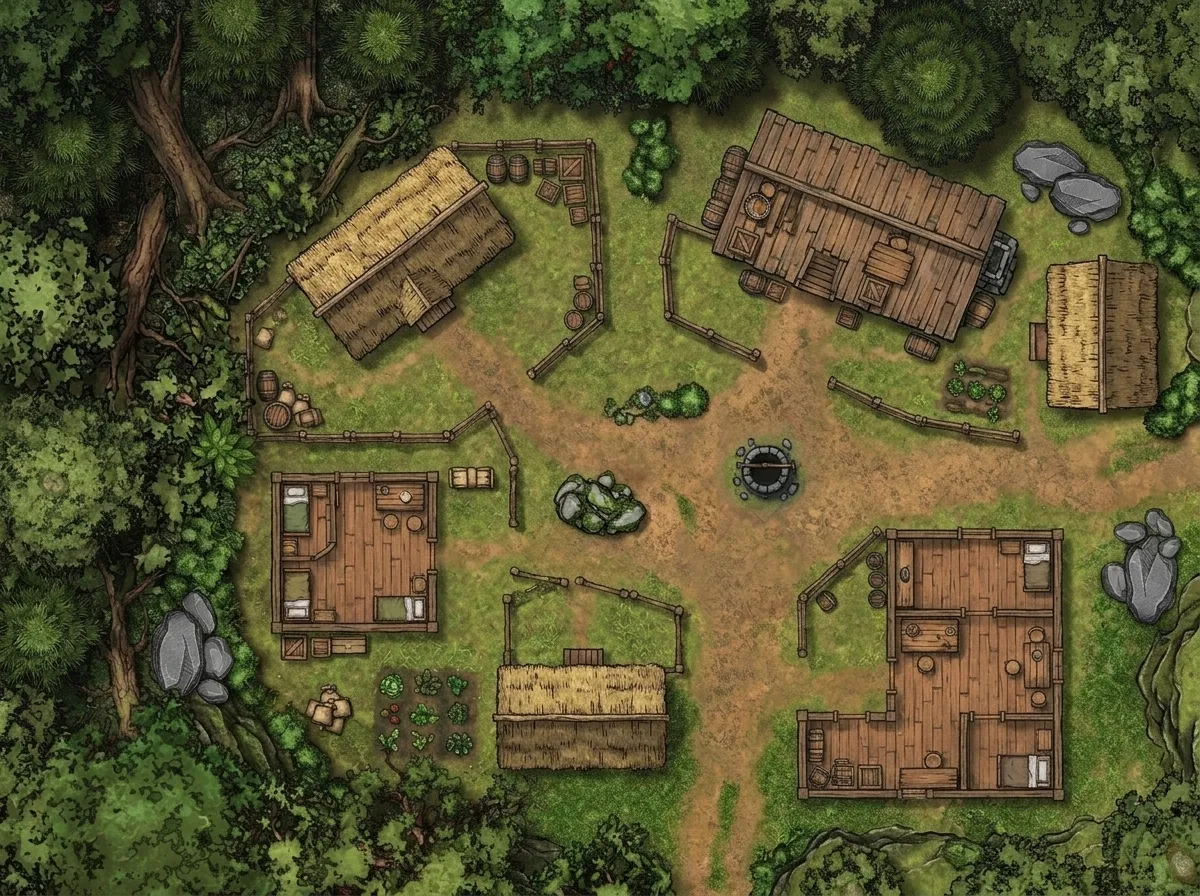
Method 1: Hand-Drawn (Free, 5-60 min)
What it is: graph paper, pencil, maybe some colored markers. The way maps were made for the first 30 years of the hobby.
When it works: quick dungeon sketches, cave layouts, anything you'll use once and throw away. I still hand-draw dungeon maps when I'm prepping at the table 10 minutes before session. A rough sketch with room numbers gets the job done.
When it doesn't: anything your players will look at closely, anything you want to reuse, anything that needs to convey atmosphere. Hand-drawn maps work for spatial reference but not for immersion.
Time: 5 minutes for a functional sketch. 30-60 minutes for something presentable.
Cost: $0 (you own graph paper).
My honest take: I hand-drew maps exclusively for my first 2 years of DMing. It worked. But the first time I put a generated map with real textures on the table, a player said "whoa, this looks like a real place." That shift in reaction — from functional reference to immersive prop — changed my approach permanently.
Method 2: Inkarnate ($25/year) — 30-120 min per map
What it is: a browser-based map editor with drag-and-drop assets. The most popular map-making tool in the D&D community. Regional maps, battle maps, and world maps through a stamp-based system.
When it works: if you enjoy the process of placing individual trees, painting terrain, and arranging assets, Inkarnate is genuinely fun. The community has produced stunning maps. Some DMs treat map-making as their creative outlet, and Inkarnate is perfect for them.
When it doesn't: if you want a map in under 15 minutes. Inkarnate's strength — granular control — is also its time sink. Placing assets one by one means a battle map takes 30-90 minutes. A world map can take hours.
Cost: $25/year for Pro (the free tier is too limited for serious use).
My honest take: I had an Inkarnate subscription for 14 months. Made roughly 15 maps. That's $1.67 per map in subscription cost, plus 30-90 minutes of labor each. The maps were good. But I realized I was spending more time making maps than running sessions. The DM prep optimization post I wrote about 20-minute dungeon prep was partly a reaction to how much time Inkarnate was eating.
Method 3: Wonderdraft ($30 one-time) — 60-180 min per map
What it is: a desktop application specifically for world/regional maps. More powerful than Inkarnate for large-scale maps, with better terrain brushes and labeling tools.
When it works: dedicated worldbuilders who want precise control over continent shapes, coastlines, and biome placement. Wonderdraft produces beautiful cartography-style world maps that look like they belong in a published setting book.
When it doesn't: battle maps (it's not designed for them), quick session prep (the learning curve is real), or DMs who don't enjoy manual cartography.
Cost: $30 one-time purchase. Plus time: Wonderdraft has a learning curve of several hours before you're productive.
My honest take: I bought Wonderdraft, used it for one world map (which took 4 hours), and shelved it. Not because it's bad — it's excellent software. Because I realized I don't enjoy granular cartography. I enjoy using maps at the table, not making them. If you're the opposite — if you find map-making meditative — Wonderdraft is the best tool in this category.
Method 4: AI Generation ($0-20/mo) — 1-3 min per map
What it is: describe the map you want in text, get an image back in 30-90 seconds. Multiple tools exist; I use the D&D Map Generator because it's optimized for tabletop RPG maps specifically.
When it works: every scenario. Battle maps, dungeon maps, world maps, city maps, regional maps. The limiting factor is no longer "can the tool make this" but "can you describe what you want." A good prompt produces a session-ready map faster than any other method.
When it doesn't: if you need pixel-perfect control over asset placement — a specific tree in a specific spot, a door at an exact angle. AI generators give you a map that matches your description; they don't give you a Photoshop canvas. For VTT integration with dynamic lighting, you may need to do some post-processing (I covered this in my VTT settings guide).
Cost: Free tiers available on most tools. Premium tiers $5-20/month for higher quality and more generations.
My honest take: AI generation replaced Inkarnate for me. I generate 2-5 maps per session now, which would have taken 2-6 hours in Inkarnate. The quality ceiling is lower than a skilled Inkarnate artist spending 3 hours, but the quality floor is much higher than what I could produce manually in 3 minutes. For session prep, speed wins.
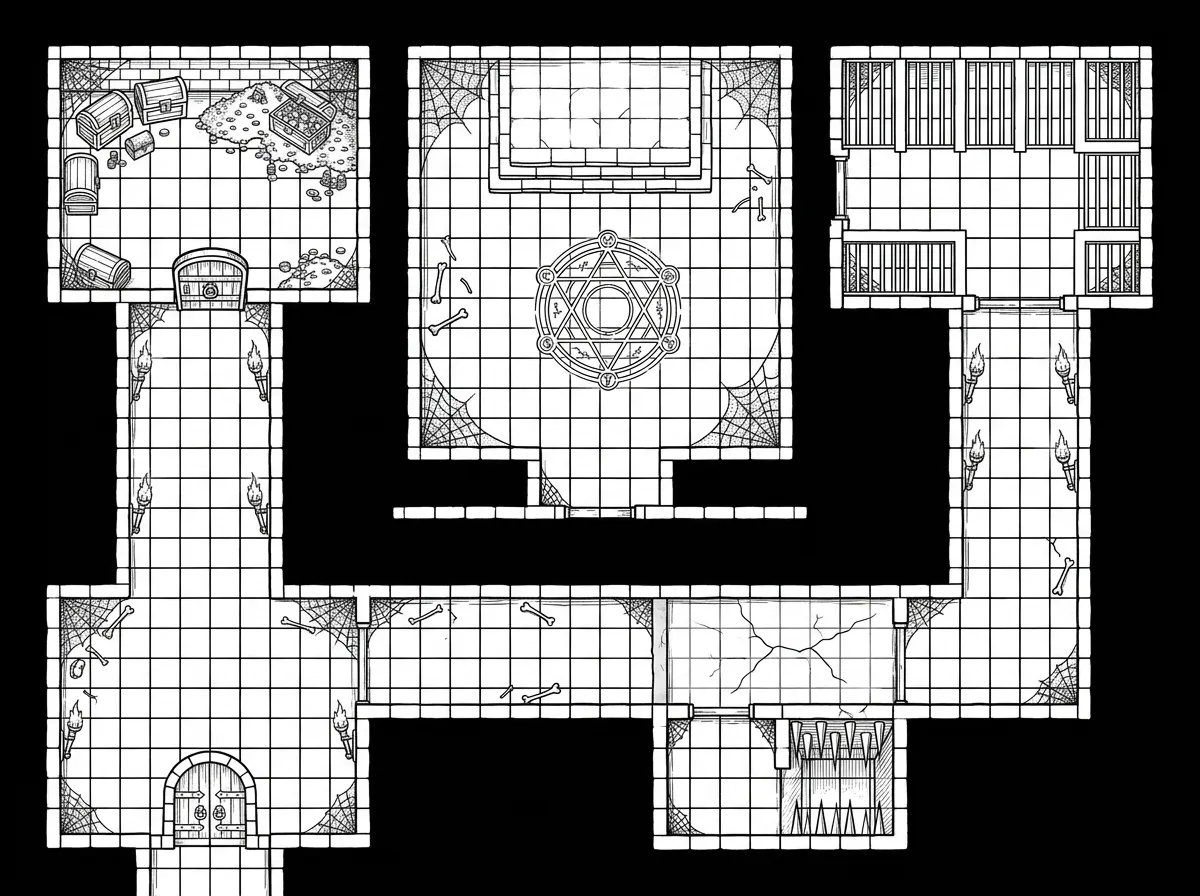 An AI-generated dungeon map — produced in 45 seconds, used for 3 sessions. The equivalent in Inkarnate would have taken me 60+ minutes.
The Honest Comparison
| Factor | Hand-drawn | Inkarnate | Wonderdraft | AI Generator |
|---|---|---|---|---|
| Cost (year 1) | $0 | $25 | $30 | $0-240 |
| Time per map | 5-60 min | 30-120 min | 60-180 min | 1-3 min |
| Quality ceiling | Low | Very high | Very high | High |
| Quality floor | Very low | Medium | Medium | Medium-high |
| Learning curve | None | 2-3 hours | 5-10 hours | 15 minutes |
| Best for | Quick sketches | Creative DMs | Worldbuilders | Session prep |
What Your Players Actually Care About
After 4 years and 340 sessions, here's what I've learned about player reactions to maps:
-
Atmosphere > detail: a moody AI-generated swamp with fog effects gets a bigger reaction than a technically precise Inkarnate swamp with 200 individually placed reeds.
-
Speed > polish: a new map every session beats a perfect map every third session. Variety drives engagement more than fidelity.
-
The map exists > how it was made: players have never asked me what tool I used. They care that there's something to look at during combat. The medium is invisible.
-
Grid alignment matters (on printed maps): the one technical detail players notice. I wrote a whole guide on printing at 1-inch scale because of this.
Sly Flourish makes a similar argument in Return of the Lazy Dungeon Master — prep should serve the table, not the DM's perfectionism.
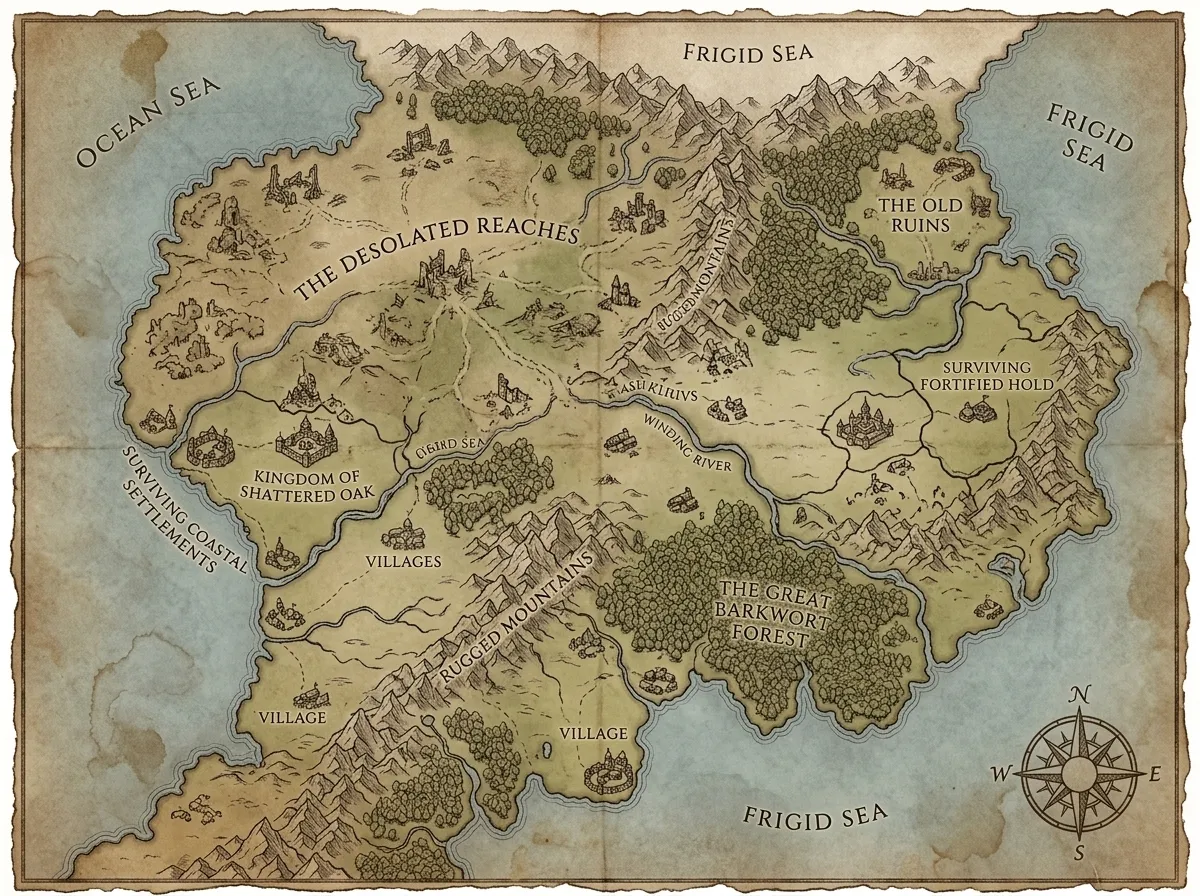 A world map generated in under 2 minutes — the type of output that used to take me 4 hours in Wonderdraft.
My Current Workflow
- World/regional maps: AI-generated with the world map generator, annotated in Photopea (free)
- Battle maps: AI-generated with the D&D map generator, 2-5 per session
- Quick dungeon sketches: hand-drawn at the table when I need something in 2 minutes
- Boss fight maps: AI-generated, then lightly edited in Photopea to add labels or markers
Total weekly map prep: ~15 minutes. Down from 2-3 hours when I was using Inkarnate exclusively.
Make maps the way that serves your table best. If you love Inkarnate, use Inkarnate. If you want your prep time back, try generation.
The best map is the one that's ready when your players sit down.
Related Reading
- DnD Map Generator Workflow That Replaced My Inkarnate Sub — My complete AI generation workflow.
- How to Prep a D&D Dungeon in 20 Minutes — The broader prep philosophy that led me to generation.
- How to Print Battle Maps at 1-Inch Grid Scale — For when you want physical maps on the table.
- The VTT Dungeon Map Settings I Wish I Knew — Post-processing for virtual tabletop use.
- D&D Map Generator — Try it yourself.
- How to Create a Fantasy Map — Beginner-friendly starting point.
- How I Prep a Village Map in 10 Minutes — The village version of the speed-prep approach.

Written by
Toby
Indie Developer & Creator of FantasyGen
Toby is an independent developer focused on building AI-powered creative tools. He created FantasyGen to help game masters and worldbuilders generate fantasy maps instantly — no artistic skills required.
Continue the Campaign
How to Map a Cave System Without Getting Lost in Your Own Design
My 5-step workflow for designing cave map systems that stay playable. Start with entrance type, limit branches, add landmarks, loop dead ends — no spaghetti.
Desert Encounters That Aren't Just Heat and Thirst
Desert encounter prep that goes beyond survival mechanics. Caravan politics, sandstorm puzzles, buried ruins, and creature lairs for your desert biome map.
Island Map Design: Coastlines, Secrets, and Why Shape Matters
A 5-step island generator workflow: shape the silhouette, carve coastline features, place harbors, and hide secrets. Design your island map from the outside in.