

5 Best Fantasy Map Generators (2026): AI and Manual Tools Compared
FantasyGen, Inkarnate, Azgaar, Wonderdraft and DungeonFog compared on speed, control, map types and price. Prices checked November 2026, with each tool's weak spots.
The five fantasy map tools most worth your time in 2026 are FantasyGen (AI, fastest), Inkarnate (manual, best-looking hand-made maps in a browser), Azgaar's Fantasy Map Generator (free, deepest worldbuilding simulation), Wonderdraft (desktop app, one-time purchase) and DungeonFog (browser battle map editor). Only FantasyGen uses AI; the other four are manual or procedural tools, and for many projects that is exactly what you want.
A note before you read: we make FantasyGen. We put it first because it is the fastest way to get a finished map, not because it wins every category. Where another tool is the better pick, this article says so.
Quick comparison
| Tool | How you make a map | Best for | Price (checked Nov 2026) | Biggest limitation |
|---|---|---|---|---|
| FantasyGen | Describe it in text, AI renders it | Fast battle maps, world maps and session prep | Free sign-up credits; packs from $4.90; plans from $9.90/month | No element-by-element editing |
| Inkarnate | Paint terrain and place stamps by hand | Polished world and regional maps | Free plan; paid subscription tiers | Every map takes hours of manual work |
| Azgaar's FMG | Procedural generation, then edit | Worlds with states, cultures and history | Free, open source | Steep learning curve; diagram-like look |
| Wonderdraft | Desktop drawing tool | Print-quality world maps, offline work | $29.99 one-time | Desktop only; manual work |
| DungeonFog | Browser editor for battle maps | Dungeon and encounter maps | Free tier; Premium from €4.90/month; Commercial €99.90/year | Battle maps only, no world maps |
Prices change. Check each tool's own pricing page before you buy; the figures above were taken from those pages in November 2026.
How we compared them
We looked at the questions a game master or author actually has when choosing a tool:
- Time to a usable map. How long from opening the tool to a map you can put in front of players.
- Control. Can you move a single tree, river or wall exactly where you want it?
- Map types. World, region, city, dungeon, battle map.
- Cost and licensing. What it costs, and whether you can use the maps commercially.
- Where it runs. Browser or desktop.
1. FantasyGen: fastest way to a finished map
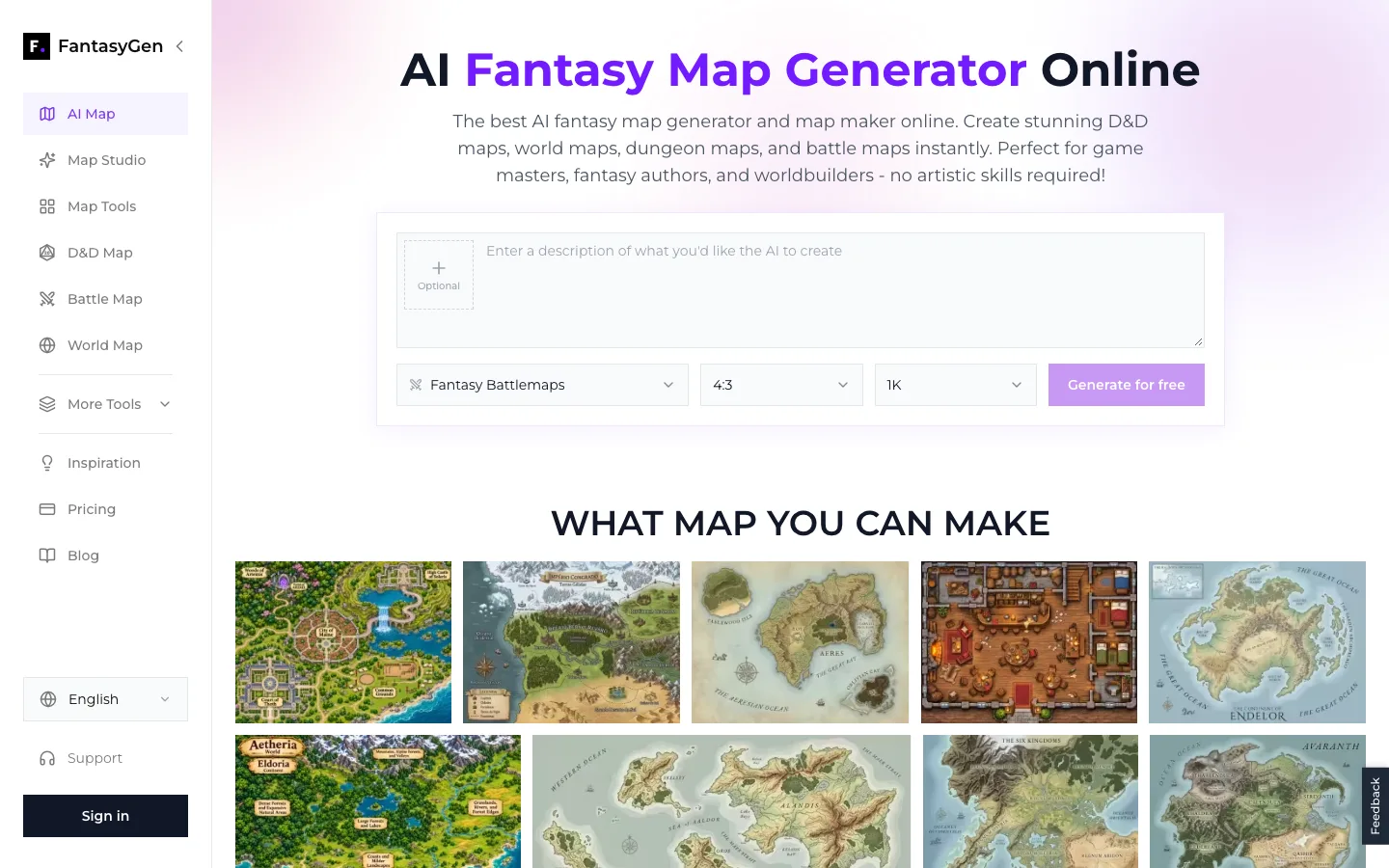
The FantasyGen generator as of November 2026: describe the map, pick a style, aspect ratio and resolution, then generate.
FantasyGen is a browser-based AI map generator. You describe the map in plain text ("a ruined dwarven forge with a lava channel and a collapsed bridge"), choose a style, and the AI renders a complete image. There is no drawing step.
What it does well
- Speed. A finished map comes back in a single generation, so you can try several versions of an encounter in the time it takes to sketch one by hand.
- Breadth. There are 16 dedicated generators for battle maps, world maps, dungeons, cities, taverns, castles, caves, ships and more, all using the same prompt-based workflow.
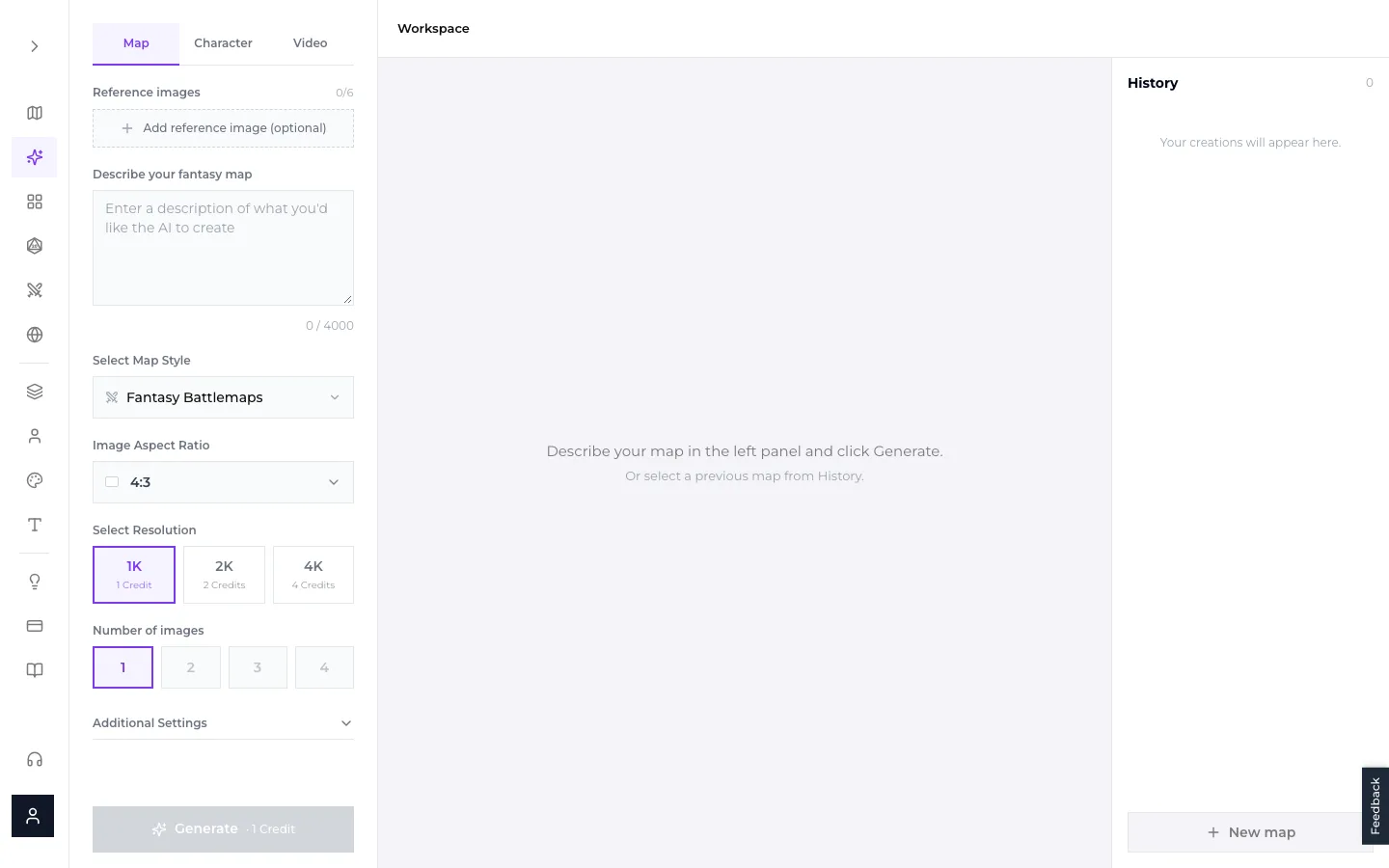
- Reference images. In Map Studio you can add up to six reference images to steer composition or style, and generate up to four variations at once.
- Resolution options. 1K costs 1 credit, 2K costs 2 credits and 4K costs 4 credits, so you only pay for print resolution when you need it.
Where it falls short
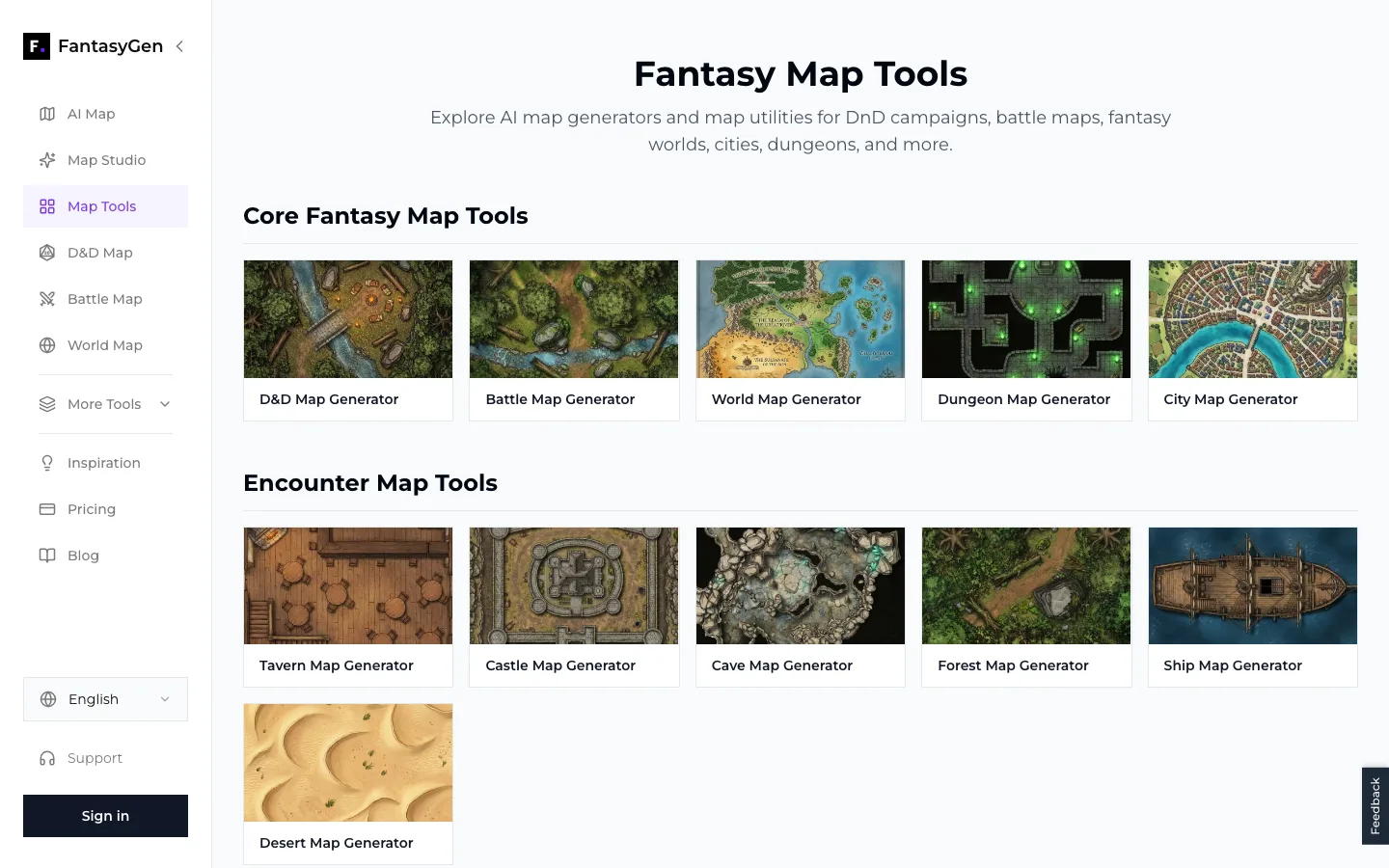
- No element-level editing. You cannot drag a single wall or rename one city on the image. To change something, you refine the prompt and generate again, or edit the exported image in another program.
- AI lettering is unreliable. Place names drawn by the AI can come out misspelled. The "No text or labels" setting gives you a clean map, and you add names in your VTT or an image editor.
- No world simulation. It draws what you describe; it does not model climate, cultures or borders the way Azgaar does.
Pricing (November 2026). New accounts get free credits to try it. One-time credit packs start at $4.90 for 10 credits. Subscriptions start at $9.90/month for 100 credits ($8/month billed annually); Pro is $29.90/month for 500 credits ($24/month billed annually). Maps made on a paid plan can be used commercially; maps made with free credits are for personal use. Details are on the pricing page.
Pick FantasyGen if you prep sessions weekly, need battle maps on short notice, or want to test several looks for a location before committing.
2. Inkarnate: best hand-made maps in a browser
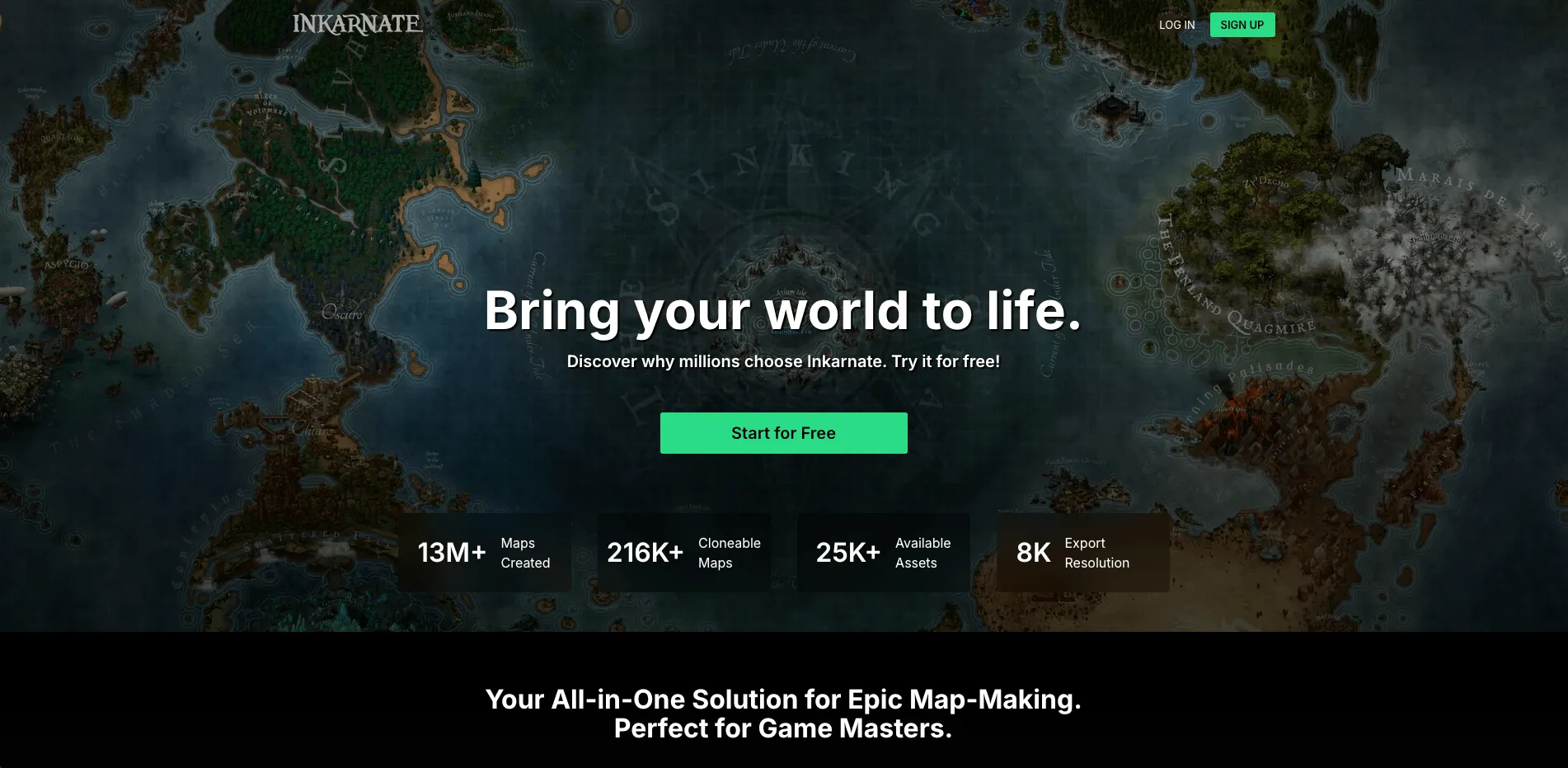
Inkarnate is a browser-based map editor. You paint landmasses and terrain, then place stamps such as mountains, forests, castles and labels. It handles world maps, regional maps, cities and battle maps.
What it does well
- Full control. Every coastline, mountain and label goes exactly where you put it.
- Consistent, polished art style. Maps look hand-illustrated, which suits novels and campaign handouts.
- Large community. Plenty of tutorials and shared maps to learn from.
Where it falls short
- Time. A detailed world map is an evening's work or more. If you need a new battle map every week, that adds up.
- Paid features. The free plan is usable, but larger exports and the full asset library sit behind a subscription.
Pricing. Free plan plus paid subscription tiers; see Inkarnate's site for current prices.
Pick Inkarnate if you want a world map you will keep for years and you enjoy the drawing itself. For a deeper head-to-head, see our FantasyGen vs Inkarnate comparison.
3. Azgaar's Fantasy Map Generator: deepest worldbuilding, free
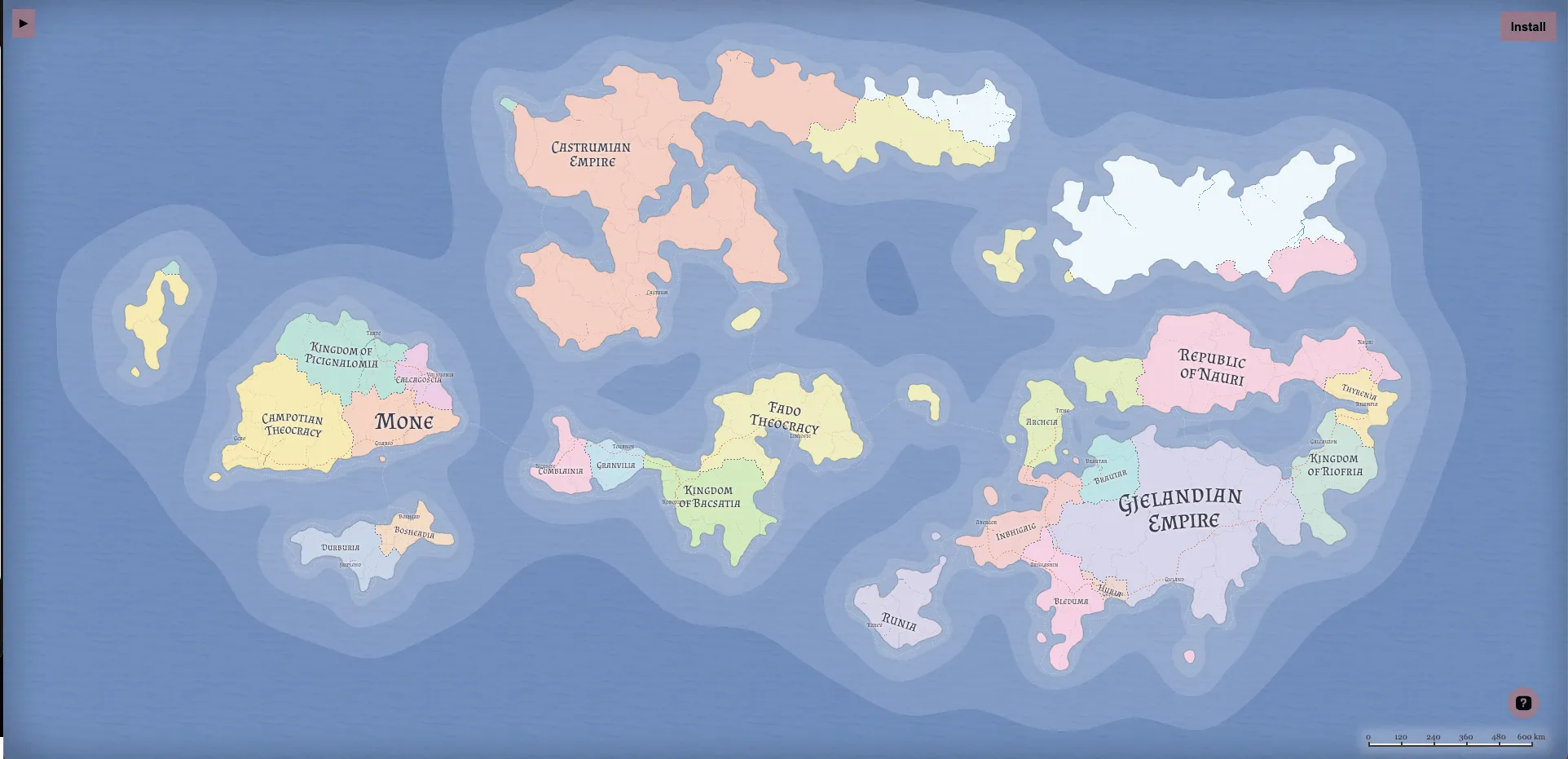
Azgaar's Fantasy Map Generator is a free, open-source tool that runs in your browser. It generates an entire world procedurally: heightmap, biomes, rivers, states, cultures, religions, settlements and routes.
What it does well
- Simulation depth. It does not just draw a world; it gives you the political and cultural data behind it, which you can edit.
- Free and open source. No account, no paywall.
- Endless rerolls. Generate a new world in seconds and keep the one that sparks ideas.
Where it falls short
- Learning curve. The interface has a lot of panels and options; expect to spend time learning it.
- Look. Maps read more like an atlas or diagram than an illustration. Many people export from Azgaar and redraw in another tool.
- Not for battle maps. It works at world and region scale only.
Pick Azgaar if you are building a long campaign or a novel series and want a world with history and borders that make sense.
4. Wonderdraft: one-time purchase, desktop
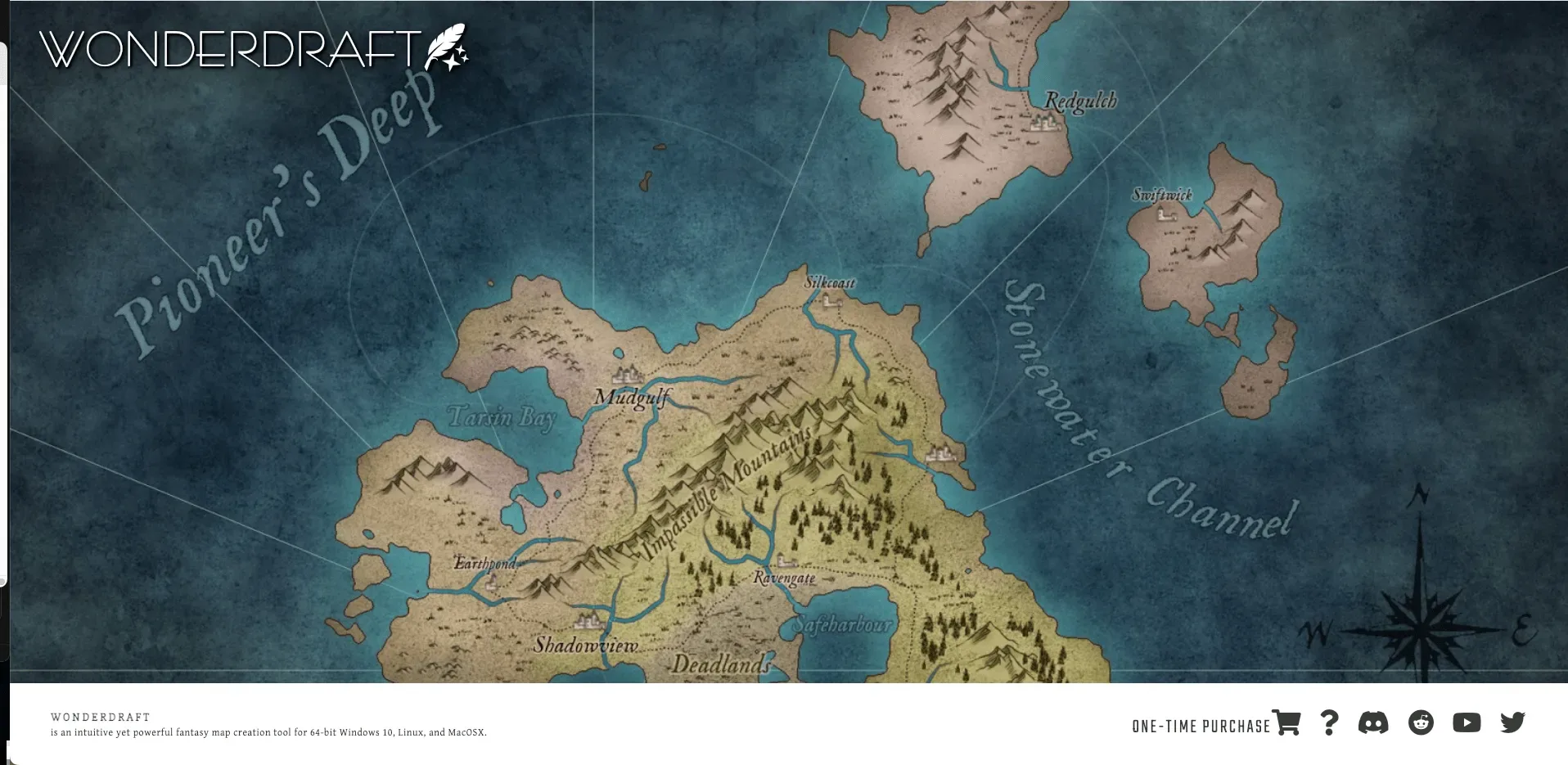
Wonderdraft is a desktop application for drawing world and regional maps. You shape landmasses with brushes, add symbols and labels, and export at high resolution.
What it does well
- One-time price. $29.99 for the app, no subscription (checked on wonderdraft.net, November 2026).
- Works offline. Everything runs locally.
- Print-friendly output. Popular with authors who need a map for a book.
Where it falls short
- Desktop only. You have to install it; there is no browser version.
- Manual work. Like Inkarnate, the result depends on the time you put in.
- World maps only. For battle maps, the same developer sells a separate app, Dungeondraft.
Pick Wonderdraft if you prefer owning software outright and work on one world map over a long period.
5. DungeonFog: browser battle map editor
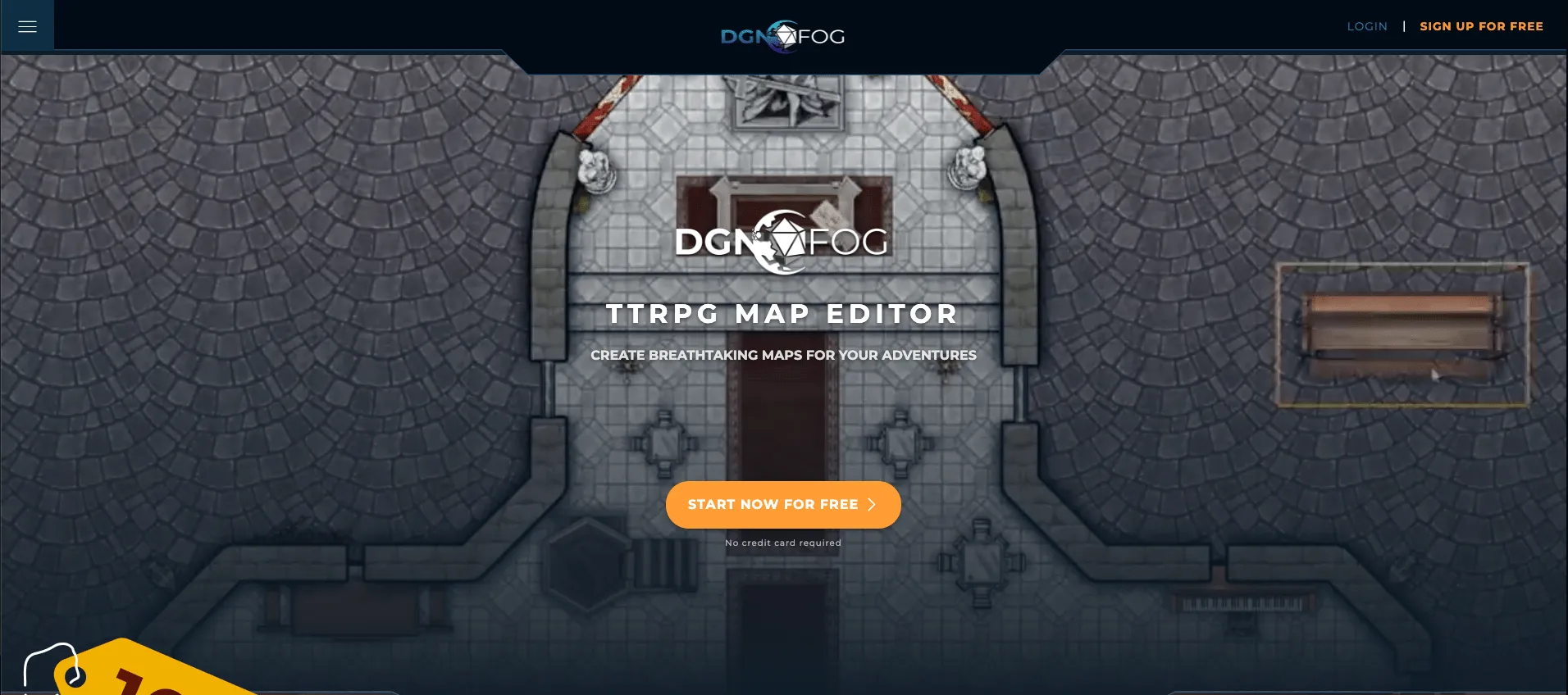
DungeonFog is a browser-based battle map editor for tabletop RPGs. You build rooms and corridors, then decorate them with props and textures from its asset library, which adds new packs regularly.
What it does well
- Built for encounters. Walls, rooms and props are designed around battle map layouts.
- Free tier. You can sign up and build maps without paying.
Where it falls short
- Battle maps only. No world, region or city maps.
- Commercial use costs extra. Selling maps requires the Commercial license.
Pricing (November 2026). Free tier; Premium from €4.90/month; Commercial license €99.90/year.
Pick DungeonFog if you want to lay out dungeon rooms precisely and are happy building them piece by piece.
Which one should you choose?
- You need a map for Friday's session: FantasyGen. Describe the location, generate a few versions, pick one.
- You want a world map you will use for years: Inkarnate or Wonderdraft, and budget an evening or two.
- You want a world with politics, cultures and history: Azgaar, then optionally redraw the result elsewhere.
- You want precise control over every dungeon wall: DungeonFog.
- You want both: Many GMs combine tools, for example Azgaar for the world's structure and FantasyGen for the battle maps inside it.
If you are new to mapmaking, our guide on how to create a fantasy map covers the basics no matter which tool you use.
Frequently asked questions
What is the best free fantasy map generator?
Azgaar's Fantasy Map Generator is completely free and open source, and it is the strongest free option for world maps. Inkarnate and DungeonFog have usable free plans. FantasyGen gives free credits at sign-up, enough to try several maps before deciding whether to pay.
Which fantasy map generator uses AI?
Of the five tools here, only FantasyGen generates maps with AI from a text description. Azgaar uses procedural (rule-based) generation, and Inkarnate, Wonderdraft and DungeonFog are manual editors.
Can I sell maps made with these tools?
It depends on the tool and plan. FantasyGen allows commercial use for maps made on a paid plan. DungeonFog requires its Commercial license. For Inkarnate, Wonderdraft and Azgaar, read each tool's license terms before selling maps.
Which tool is best for D&D battle maps?
For speed, FantasyGen's battle map generator produces a finished map from one prompt. For precise, wall-by-wall control, DungeonFog is built for battle maps. Inkarnate also has a battle map mode.
Which tool is best for a novel's world map?
Wonderdraft and Inkarnate produce the classic hand-illustrated look most books use. Azgaar is useful earlier, while you are still working out where kingdoms and rivers go.

Written by
Toby
Indie Developer & Creator of FantasyGen
Toby is an independent developer focused on building AI-powered creative tools. He created FantasyGen to help game masters and worldbuilders generate fantasy maps instantly — no artistic skills required.
Continue the Campaign
Fantasy Map Maker vs Generator: Which to Choose for Your World?
Choosing between a manual fantasy map maker and an automated generator? Compare the pros, cons, and best use cases for each tool to build your perfect world.
Inkarnate Alternative: FantasyGen vs Inkarnate
Choosing an Inkarnate alternative comes down to one tradeoff: spend 2 hours on a fully controlled 10/10 map, or 1 minute on an 8/10 map ready to use now.
How to Create a Fantasy Map: Complete Beginner's Guide
Learn how to create stunning fantasy maps step-by-step. From worldbuilding basics to AI-powered tools, discover everything you need to design professional maps for D&D, novels, and games.