

Fantasy Map Maker vs Generator: Which to Choose for Your World?
Choosing between a manual fantasy map maker and an automated generator? Compare the pros, cons, and best use cases for each tool to build your perfect world.
If you are a Dungeon Master, an aspiring novelist, or a game designer, you’ve likely asked yourself: How am I going to visualize this world? In 2026, the market is flooded with tools. Some call themselves "Fantasy Map Makers," while others are marketed as "Generative AI" or "Map Generators."
While these terms are often used interchangeably, they represent two fundamentally different philosophies of creation. Choosing the wrong one can lead to dozens of wasted hours or a map that doesn't quite fit your vision.
Just want to build a map quickly without the headache? Launch our free AI fantasy map generator and create your world instantly.
Defining the Contenders
What is a Fantasy Map Maker?
A fantasy map maker (like Inkarnate, Wonderdraft, or Campaign Cartographer) is essentially a specialized graphic design suite. It provides you with a blank canvas and a library of assets (trees, mountains, houses). You are the artist; you place every icon, paint every coastline, and choose every font.
What is a Fantasy Map Generator?
A fantasy map generator (like FantasyGen, Azgaar’s, or Donjon) uses algorithms or AI to create a map for you based on a set of parameters or a text prompt. You provide the "seed" or the "description," and the software handles the execution.
The Case for the Fantasy Map Maker (The "Manual" Path)
Manual map makers are beloved for a reason: total control. If you have a very specific vision and the time to execute it, these tools are hard to beat.
Pros:
- Pixel-Perfect Precision: Want a specific river to curve exactly 15 degrees to the left? You can do that.
- Asset Consistency: Since you are choosing specific icons from a pack, you can ensure every mountain on the continent looks like it was drawn by the same person.
- High-End Customization: For professional cartographers who sell their maps, the ability to tweak layers and export to Photoshop is essential.
Cons:
- The Time Sink: Building a high-quality world map manually can take 20 to 50 hours of work.
- The Skill Barrier: While easier than drawing by hand, there is still a significant learning curve to mastering textures, blending, and composition.
- Asset Fatigue: You are often limited by the icons included in the software. If you need a specific type of crystalline tree and the pack doesn't have it, you're out of luck.
The Case for the Fantasy Map Generator (The "Automated" Path)
Generators have evolved from simple "noisy clouds" to sophisticated AI engines that rival professional artists.
Pros:
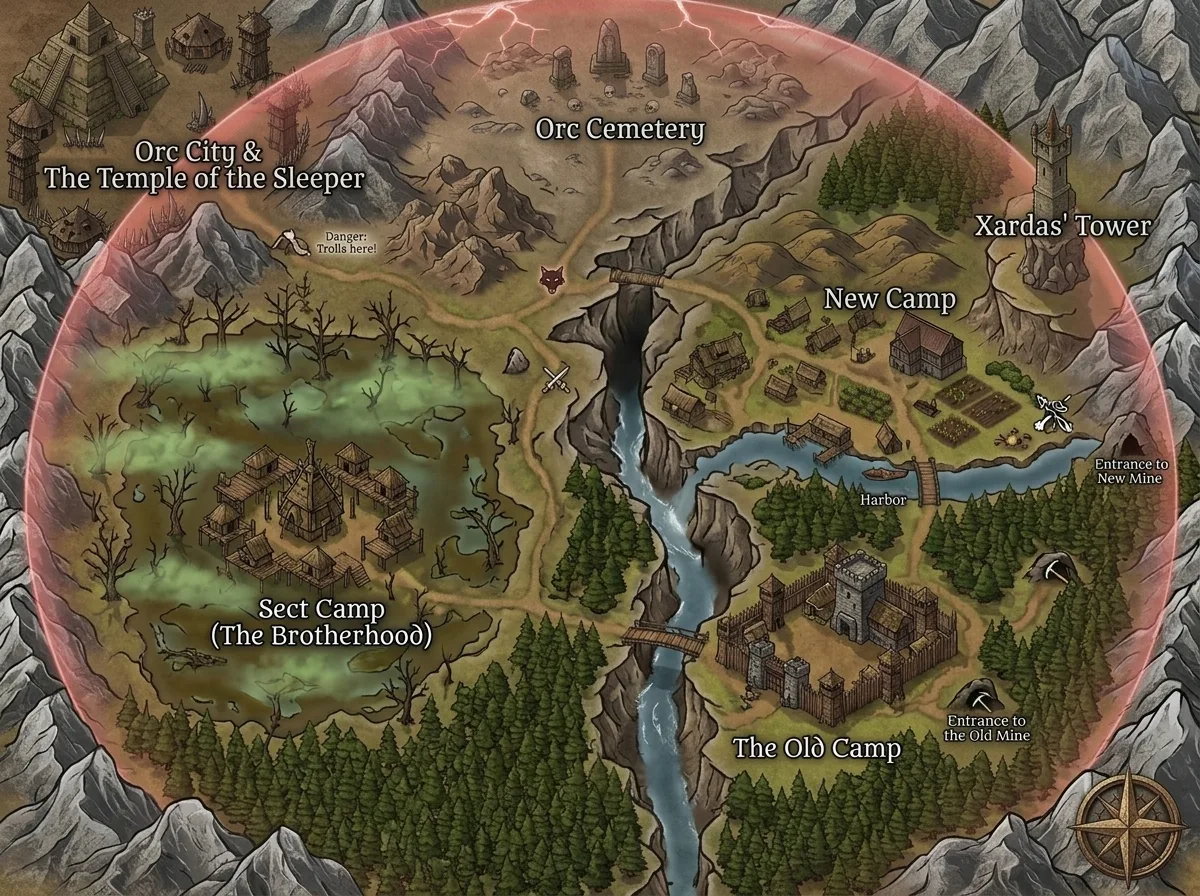
- Unmatched Speed: Go from an idea to a finished map in seconds. Check out this instant D&D map:
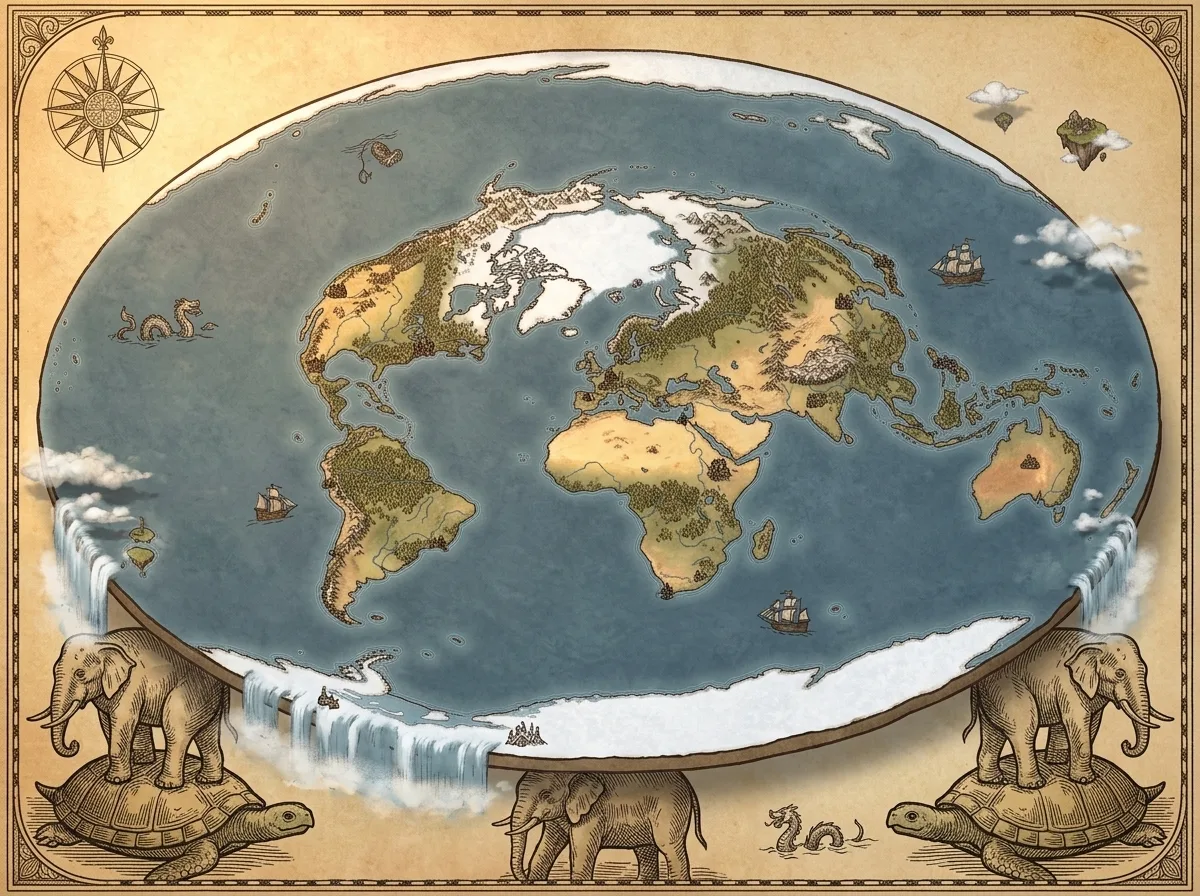
- No Artistic Skill Required: If you can describe it, you can create it. You can generate professional concept art level maps instantly:
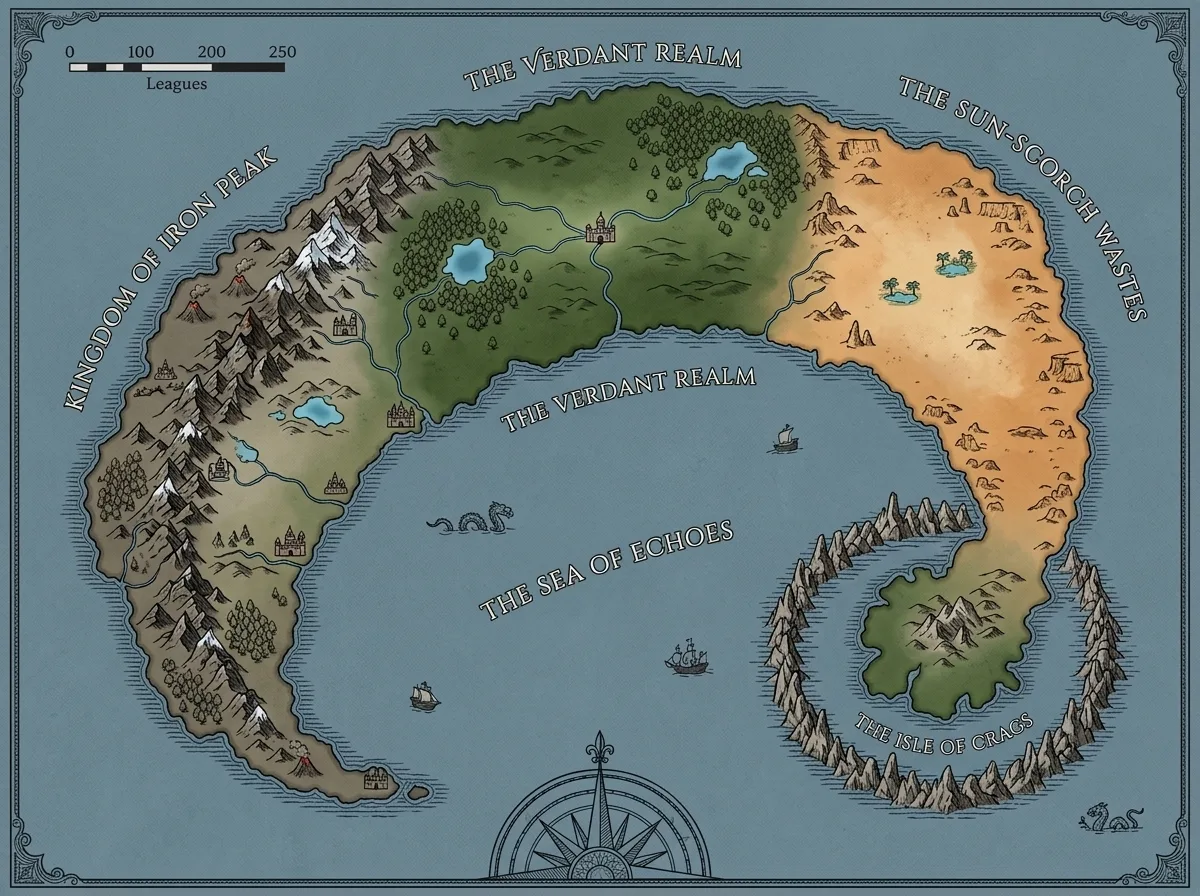
- Creative Serendipity: Algorithms often create geographic features you wouldn't have thought of, like this reverse arch continent:
- Integrated Intelligence: Modern AI Map Generators understand biomes seamlessly.
Cons:
- Less "Fine-Tune" Control: While you can prompt for changes, it's harder to move a single specific tree five pixels to the right compared to a manual tool.
- Black Box Creation: Sometimes the AI interprets a prompt in a way you didn't expect, requiring multiple "re-rolls" to get the perfect image.
Detailed Comparison Table
| Feature | Fantasy Map Maker (Manual) | Fantasy Map Generator (AI) |
|---|---|---|
| Effort Level | High (Hours/Days) | Low (Seconds/Minutes) |
| Artistic Skill | Moderate to High | None Required |
| Control | Absolute | Narrative-Based |
| Style Variety | Limited by Asset Packs | Infinite (via Prompts) |
| Best For | Authors with "Final" Worlds | DMs, Rapid Prototyping, Ideation |
| Recommended Tool | Wonderdraft | FantasyGen.net |
Which One Should You Choose?
The "Correct" choice depends entirely on your persona and your goals.
Choose a Fantasy Map Maker if:
- You are writing a book and the map must follow a precise path described in Chapter 4.
- You enjoy the process of "painting" and find it relaxing.
- You are building a world that you plan to use for the next decade and want to "own" every single pixel.
- Check out our guide on How to Create a Fantasy Map for manual tips.
Choose a Fantasy Map Generator if:
- You are a Dungeon Master running a weekly game and need multiple maps (World, Region, Battle) without burning out.
- You are in the "ideation phase" and want to see what different shapes your world could take.
- You want a professional, high-fidelity look but don't have the time to learn complex design software.
- You need a D&D Map Generator that can produce random encounters on the fly during a session.
The Hybrid Approach: The 2026 Workflow
The most successful creators in 2026 don't choose—they use both. Here is the professional workflow:
- Ideation: Use a Fantasy World Map Generator to brainstorm the general layout of your continents. Generate 10 variations and pick the most interesting one.
- Detailing: Use that generated image as a "base" or "trace layer" in a manual map maker if you need to add specific labels and roads.
- Specialization: Use specialized AI generators for the "micro" details, such as a Battle Map Generator for individual encounter locations.
Conclusion
The battle between "Maker" and "Generator" is really a choice between "Control" and "Convenience." If you want to be the architect of every blade of grass, go with a Maker. But if you want to be the storyteller who uses visual aids to bring a campaign to life now, a Generator like FantasyGen is the superior choice.
Don't let your world stay in your head just because you don't have the time to draw it. Generate your first map using the best fantasy map generator today.
Expand Your Worldbuilding Tools
- Online Map Generator Guide: The best browser-based tools.
- Dungeon Map Generator Tutorial: Design lethal underground lairs.
- Fantasy City Map Generator: Build immersive urban centers.
- AI Fantasy character Generator: Create portraits for your map's inhabitants.
- Continent Map Generator vs Hand-Drawing: When AI Saves Time — The maker-vs-generator debate applied to continent maps.

Written by
Toby
Indie Developer & Creator of FantasyGen
Toby is an independent developer focused on building AI-powered creative tools. He created FantasyGen to help game masters and worldbuilders generate fantasy maps instantly — no artistic skills required.
Continue the Campaign
Inkarnate Alternative: FantasyGen vs Inkarnate
Choosing an Inkarnate alternative comes down to one tradeoff: spend 2 hours on a fully controlled 10/10 map, or 1 minute on an 8/10 map ready to use now.
47 Sessions on One Map: Running a Long D&D Campaign with AI
What happens when you build a campaign world map in 90 seconds and run 47 sessions on it? A worldbuilder's honest report on AI campaign map generators.
5 Best Fantasy Map Generators (2026): AI and Manual Tools Compared
FantasyGen, Inkarnate, Azgaar, Wonderdraft and DungeonFog compared on speed, control, map types and price. Prices checked November 2026, with each tool's weak spots.