

How to Make D&D Maps: A Beginner's Guide
Discover how to make D&D maps effortlessly. This beginner's guide covers essential cartography techniques, tools, and how AI map generators can save DMs hours of prep time.
If you are a new Dungeon Master (DM) looking to elevate your tabletop RPG sessions, you have probably asked yourself how to make D&D maps that captivate your players. A well-crafted map is the visual anchor of your campaign. It brings dense cities, sprawling continents, and treacherous dungeons to life. However, for those without an art degree, staring at a blank grid can feel incredibly intimidating.
There is good news: creating stunning cartography in 2026 no longer requires hours of sketching by hand or wrestling with complicated software. Whether you prefer the traditional route or cutting-edge tools, this guide will show you exactly how to make D&D maps from scratch, ensuring your next tabletop encounter is an unforgettable one.
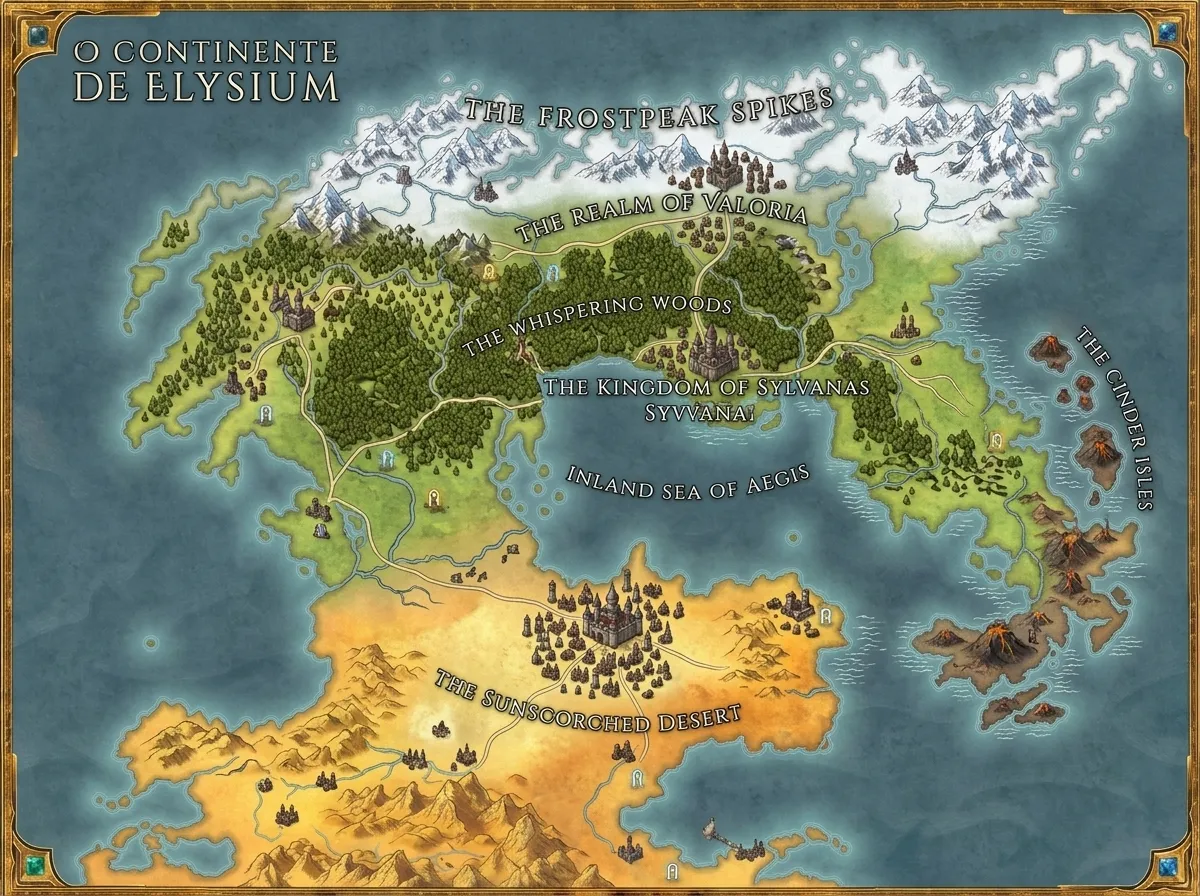 A world map generated in seconds — type a sentence, get a continent.
What You'll Learn / What You'll Need
Before we dive into the creation process, it is important to understand that map-making is about communication, not just aesthetics. A beautiful map that confuses your players during combat is less useful than a crude sketch that perfectly conveys cover, line-of-sight, and hazards.
What you will need to get started:
- An idea of the scale (World, Region, or Battle).
- A list of key landmarks or POIs (Points of Interest).
- A tool of choice (Pen & Paper, Digital Drawing Software, or an AI map generator).
Step 1: Define the Scale and Purpose
The approach you take to learn how to make D&D maps changes drastically depending on the scale of the map you are creating. You must first decide what the players need to see.
1. The World or Campaign Map
This is the macro view. It shows continents, oceans, vast mountain ranges, and political borders. You don't need to worry about the placement of individual buildings here. Focus on tectonic logic (where mountains naturally form) and major trade routes. Pro Tip: For massive scales, check out our Fantasy World Map Generator Guide.
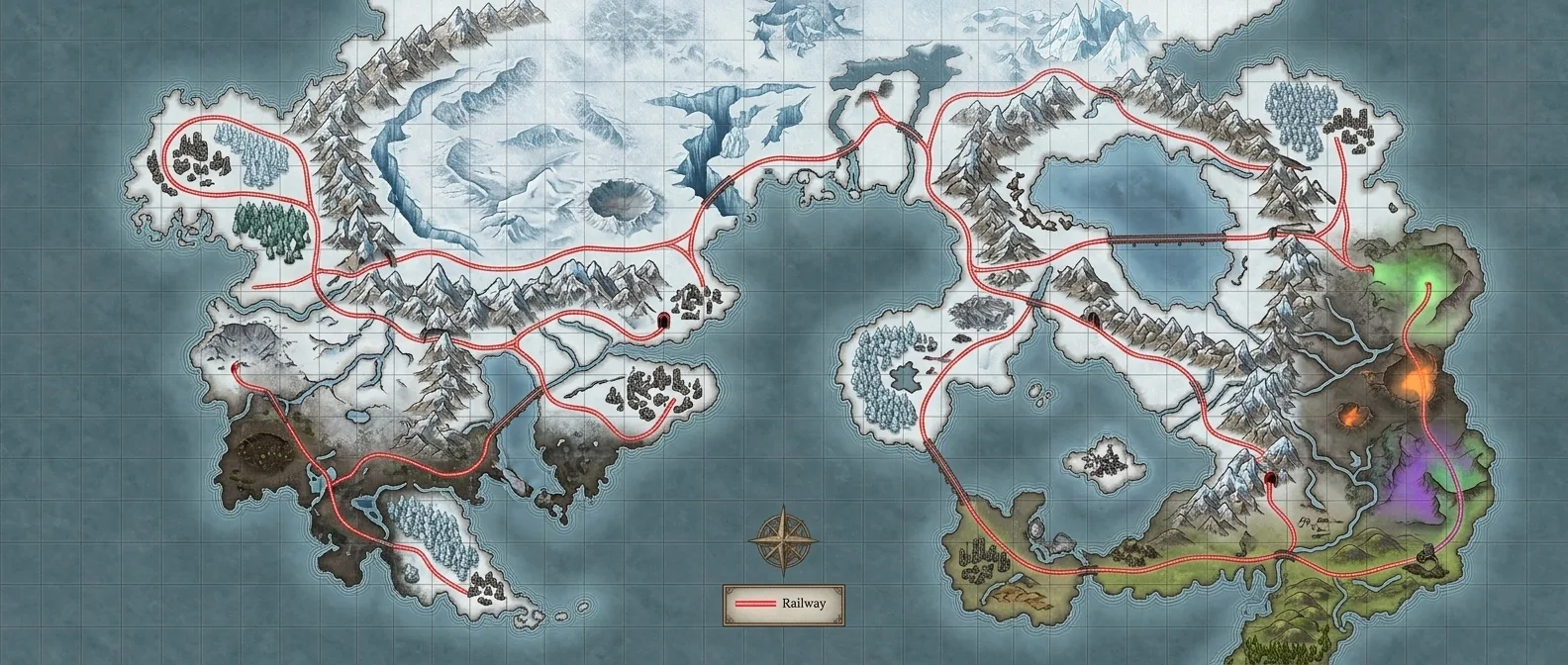 Prompt: "A detailed, hand-painted, semi-realistic fantasy world map of a post-apocalyptic frozen world featuring jagged coastlines, fractured terrain, and a massive glacial wasteland called the Heart of Frost. A bright red railway network connects ruined cities, crystalline forests, and geothermal zones."
2. The Region Map
This is the "sandbox" where the next 5 to 10 sessions of your campaign will take place. A region map shows a specific kingdom, a large valley, or an island chain. Mention the dense forests, the layout of a capital city, and the hidden ruins.
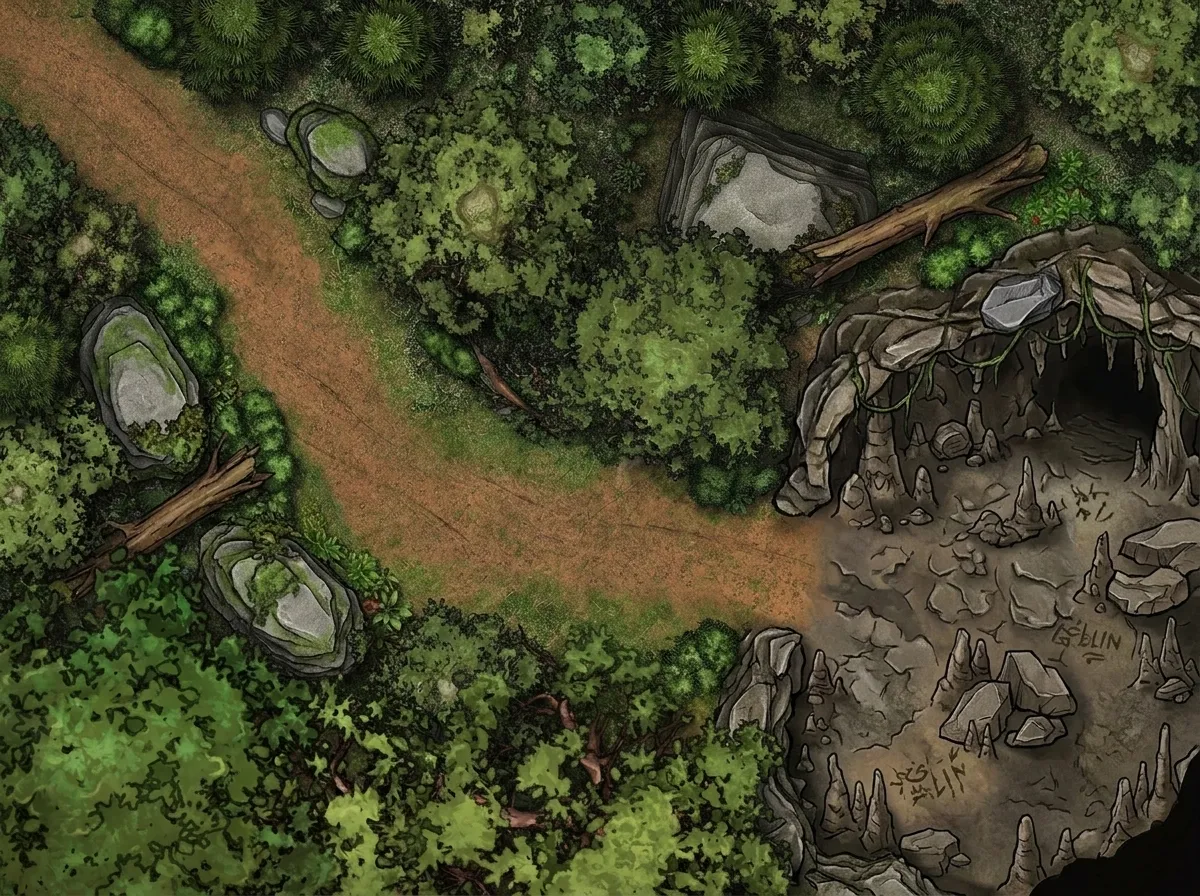 A region-scale encounter map — from wilderness trail to cave mouth.
3. The Battle Map
This is the micro view. Battle maps are tactical grids used directly in combat. When thinking about how to make D&D maps for battles, you must consider the 5-foot grid scale, choke points, high ground, and interactive environmental hazards. Want instant tactical grids? See our Battle Map Generator Guide.
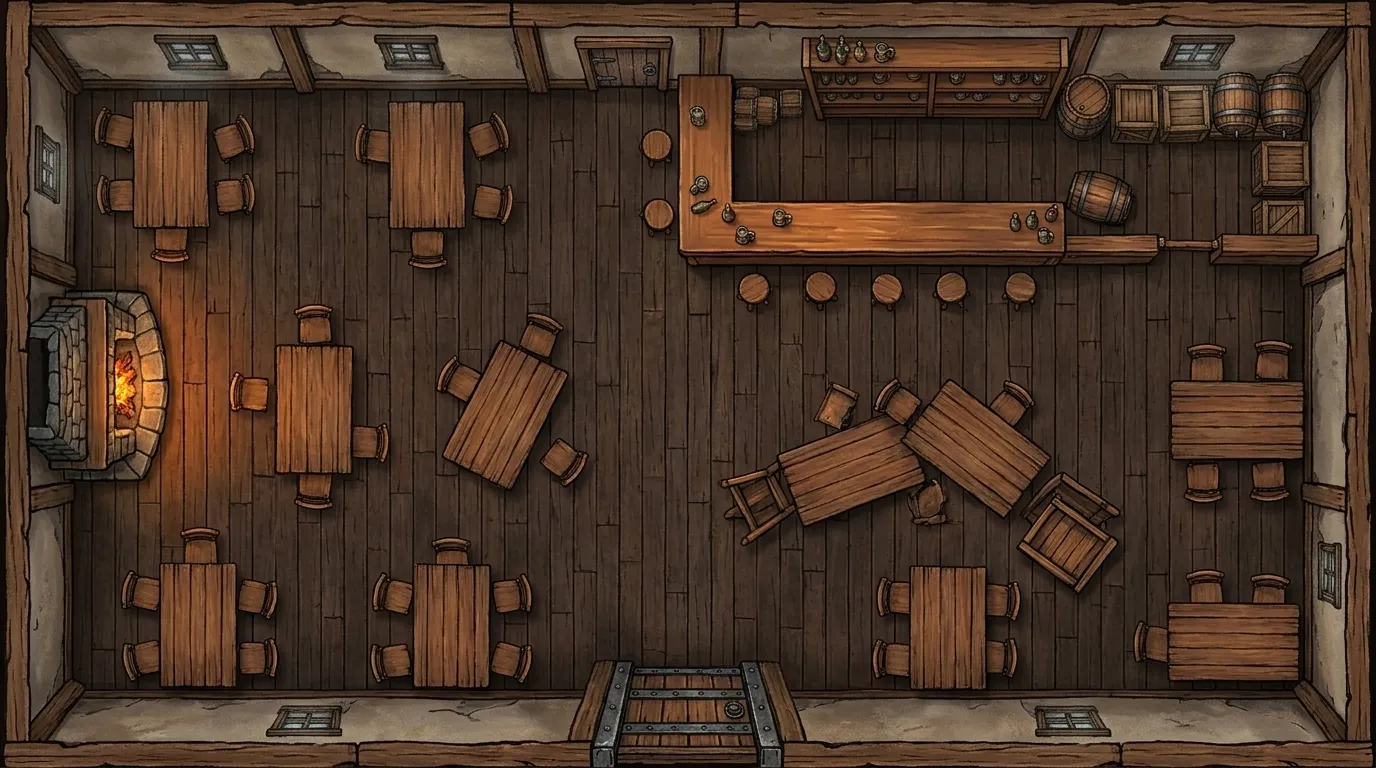 Prompt: "A top-down view of a classic fantasy city townhome or apartment with a mysterious trapdoor in the middle of the wooden floorboards, perfect for an urban D&D encounter."
Step 2: Choose Your Cartography Method
Once you know what scale you are building, you must choose your toolkit. DMs today generally use one of three methods:
Method A: The Traditional Pen and Paper
Grab some graph paper and a good pen. This method is incredibly rewarding and allows for absolute customization. The downside? It is time-consuming. Erasing mistakes can ruin the paper, and you must manually draw every single tree in a forest. It is heavily recommended to use a ruler and start with pencil.
Method B: Digital Software Platforms
Programs like Photoshop, Inkarnate, or Wonderdraft give you stamps and textures to paint your world digitally. These are fantastic for creators who want granular control over every asset but don't want to draw from scratch. However, they require a subscription and a steep learning curve.
Method C: AI-Powered Map Generation
If you want to know how to make D&D maps in under a minute without sacrificing professional quality, AI is the answer. By using a tool like FantasyGen, you simply type out the description of your scene, and the advanced engine handles the lighting, shading, and asset placement for you. It bridges the gap between your imagination and the tabletop instantly.
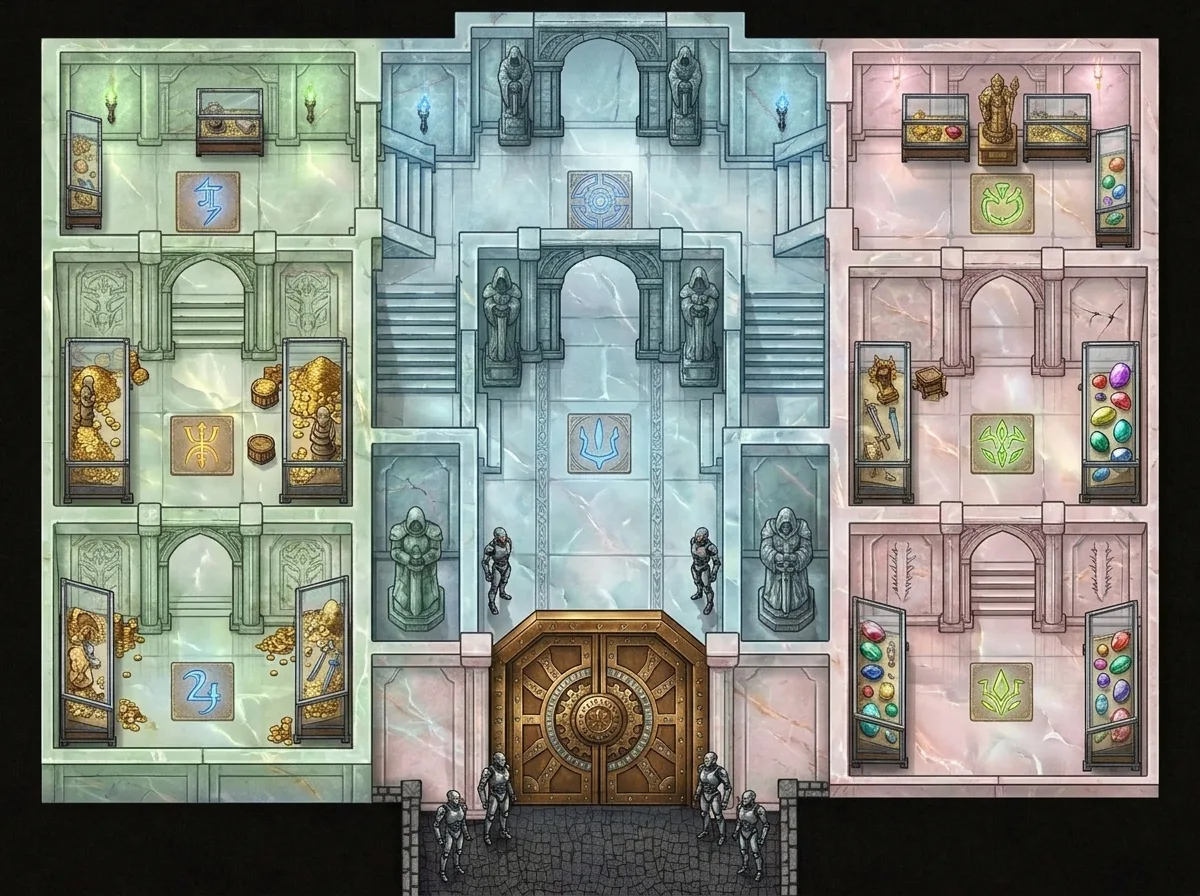 Prompt: "A detailed top-down battle map of an imposing family vault featuring ornate chambers, polished stone floors, glowing magic glyphs, adamantine robotic guards, and massive puzzle-mechanism vault doors."
Step 3: How to Make D&D Maps with FantasyGen
If you are a DM who lacks the 6 hours required to draw a dungeon by hand, using a D&D map maker online is a lifesaver. Here is the exact workflow you should follow to generate breathtaking assets:
- Be Specific with Terrain: Don't just type "a forest." Type "a dense, foggy pine forest with a winding dirt path and a steep cliff edge on the right side."
- Specify the Perspective: If you need a battle map, always include terms like "top-down view," "orthographic," or "tactical layout."
- Set the Atmosphere: Lighting completely changes the mood of an encounter. Include keywords like "moonlit," "dusk," "torches casting long shadows," or "gloomy and oppressive."
By combining these elements, the best AI fantasy map generator will translate your exact narrative needs into a playable masterpiece.
Step 4: Adding Grids and Preparing for the Table
Once you have your core image—whether drawn by hand or generated by AI—you need to make it playable.
If you play in person, you can print the map out at your local print shop. Make sure to size the image so that a 1-inch grid perfectly aligns with your physical miniatures.
If you play online using a Virtual Tabletop (VTT) like Roll20 or Foundry, the process is even easier. Upload your generated map directly into the software. Most VTTs have exceptional grid-alignment tools, which is why we highly recommend generating your images without baked-in grids. Let the software handle the grid overlay so the art beneath remains pristine and unhindered.
FAQ: Making D&D Maps for Beginners
Do I need an artistic background to make D&D maps? Absolutely not. While traditional drawing requires practice, software and AI tools have democratized map-making. If you have an active imagination, you can create a great map.
How much time should I spend preparing a map? A golden rule for DMs: do not spend more time building the map than the players will spend interacting with it. If it's a random encounter in the woods, use a fast free AI fantasy map generator. If it's the final boss lair of a 2-year campaign, take your time to make it special.
What is the best way to handle exploration? Use a "Fog of War" mechanic in your VTT, or cover a physical printed map with pieces of black construction paper, revealing rooms only as your players traverse through the doors.
Conclusion
Learning how to make D&D maps is a journey of trial and error. Over time, you will discover whether you prefer the therapeutic nature of inking by hand, or the blazing-fast efficiency of prompting an AI engine.
The most important thing to remember is that maps are tools meant to facilitate fun. They exist to spark the imagination of your players and provide a fair, engaging tactical space for combat.
Don't let the fear of a blank page trap you. Launch the D&D map generator today, type out your wildest fantasy location, and watch as your campaign world materializes before your eyes.
Ready to expand your DM toolkit? Check out these related helpful resources:
- Fantasy Desert Map: Oases, Ruins, and the Paths Between — Desert map design when "empty" needs to be intentional.
- 3 Battle Map Mistakes I Made for 4 Years Straight — Tactical design lessons from four years of flat combat.
- Dungeon Map Generator Guide
- Fantasy Map Maker vs Generator: Which to Choose
- AI Fantasy Character Generator
- Fantasy Name Generator

Written by
Toby
Indie Developer & Creator of FantasyGen
Toby is an independent developer focused on building AI-powered creative tools. He created FantasyGen to help game masters and worldbuilders generate fantasy maps instantly — no artistic skills required.
Continue the Campaign
Island Map Design: Coastlines, Secrets, and Why Shape Matters
A 5-step island generator workflow: shape the silhouette, carve coastline features, place harbors, and hide secrets. Design your island map from the outside in.
Fantasy Desert Map Design: Oases, Ruins, and the Paths Between
Learn how to design a fantasy desert map with oases as hubs, ancient ruins as dungeons, and caravan routes as encounter paths. A DM's campaign case study.
Fantasy Island Names That Sound Like Real Places (Not Random Vowels)
Learn 5 techniques for creating fantasy island names that sound like real places — geography anchors, colonial layers, and examples from actual D&D campaigns.